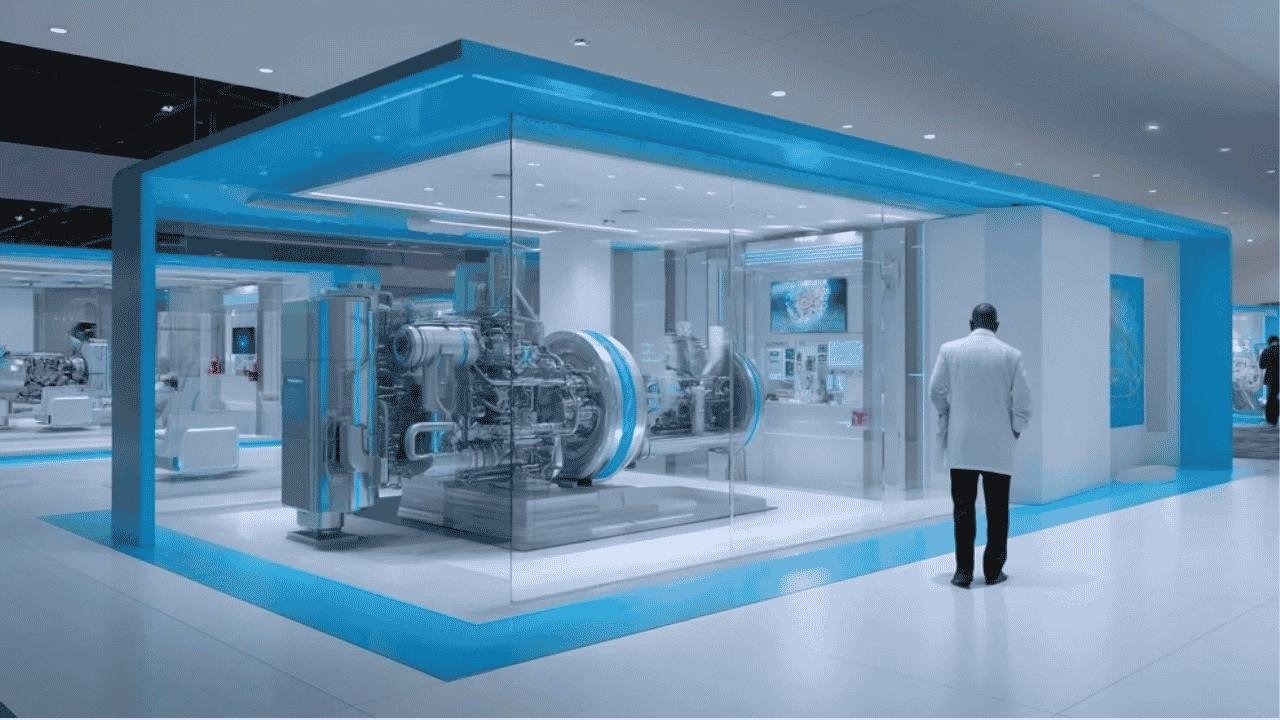
Have you ever wondered why some architectural presentations show stunning still images while others offer cinematic video tours? You’re not alone. Many clients ask us about the difference between architectural animation and 3D rendering.
Think of it this way: a 3D rendering is like a beautiful photograph of a building. An architectural animation is like a movie that takes you on a journey through that space. Both are powerful tools, but they serve different purposes in architectural visualization techniques.
Let’s break down everything you need to know to make the right choice for your project.
What Is 3D Rendering?
A 3D rendering creates a single, photorealistic image of your design. It’s a snapshot that captures one perfect moment in time.
When you look at a 3D exterior rendering of a luxury villa, you see every detail. The sunlight hitting the windows. The texture of the stone facade. The landscaping in the foreground. It’s static, but incredibly detailed.
Most rendering services use software like Autodesk 3ds Max or Blender to create these images. The V-Ray rendering engine adds realistic lighting and materials. The result? An image so real you’d think it’s a photograph.
Here’s what makes 3D rendering special:
- Produces high-resolution still images
- Shows intricate details like materials and textures
- Perfect for print materials and websites
- Quick turnaround compared to animation
- Lower architectural cost than video production
A 3D interior rendering can showcase your kitchen design with stunning clarity. Potential buyers see the marble countertops, the pendant lights, and the view through the windows. It’s immediate visual impact.
What Is Architectural Animation?
Architectural animation brings your design to life through movement. It’s a video walkthrough that guides viewers through spaces like they’re actually there.
Imagine walking through your future home before it’s built. That’s what a 3D architectural animation delivers. You start at the entrance, move through the living room, and end up on the rooftop terrace. The camera flows smoothly, showing how spaces connect.
Tools like Unreal Engine and Lumion make these animations possible. They create real-time walkthroughs with realistic lighting and movement. Some rendering company teams spend weeks perfecting every frame.
Key features of architectural animation:
- Creates dynamic video content (typically 1-3 minutes)
- Shows spatial flow and room connections
- Includes camera movements and transitions
- Demonstrates scale and atmosphere
- Engages viewers emotionally through storytelling
The architectural animation process involves more than just moving a camera. It requires planning camera paths, timing transitions, and adding ambient sounds. Some teams even use AI tools to speed up certain aspects of production.
3D Walkthrough vs Still Render: The Core Differences
Let’s get practical. What really separates these two architectural visualization techniques?
1. Format and Output
A still render gives you one powerful image. You can use it anywhere—brochures, websites, billboards. It’s versatile and easy to share.
An animated architecture presentation gives you a video file. It requires more bandwidth to share online. But it tells a complete story that static images cannot match.
2. Time and Investment
Creating exterior and interior rendering comparison reveals interesting patterns. A single high-quality 3D exterior rendering might take 2-5 days to complete. The architectural cost ranges from $500 to $2,000 per image.
A 2-minute architectural animation? That’s a different ballgame. Expect 2-4 weeks of production time. Costs typically run between $5,000 and $15,000. Why the difference? Animation requires rendering hundreds or thousands of frames, not just one.
3. Viewer Experience
Real estate animation vs static images creates different emotional responses. A beautiful rendering makes people stop and look. An animation makes them feel like they’re exploring the space themselves.
Studies show that video content gets 40% more engagement than static images. When you’re trying to convince investors or buyers, that engagement matters.
4. Technical Complexity
Both require skill, but animation adds layers of complexity. You’re not just creating beautiful visuals. You’re choreographing movement, managing file sizes, and ensuring smooth playback.
AI is transforming 3D architectural visualization in both areas. New tools help optimize 3D animations for faster rendering. They reduce production time without sacrificing quality.
When Should You Choose 3D Rendering?
Choose rendering when you need quick, impactful visuals. Here are the best scenarios:
1. Marketing Materials
Your website needs hero images. Your brochures need eye-catching visuals. 3D interior rendering delivers exactly that. One stunning image can anchor your entire marketing campaign.
2. Design Approvals
Clients need to approve specific design elements. Show them a detailed rendering of the kitchen, bathroom, or facade. They can focus on materials, colors, and finishes without distractions.
3. Budget-Conscious Projects
Working with limited funds? A 3D exterior rendering gives you professional quality at a fraction of animation costs. You can create multiple views of your project for the price of one short animation.
4. Portfolio Showcases
Architects and designers need portfolio pieces. High-quality renderings show your design skills. They’re easy to print, share, and display in presentations.
When Should You Choose Architectural Animation?
Animation shines in different situations. Here’s when it’s worth the investment:
1. High-Stakes Presentations
Pitching to major investors? Presenting a multi-million dollar project? A 3D architectural animation demonstrates the full vision. It shows how people will move through and experience the space.
2. Complex Spatial Layouts
Some designs are hard to understand from still images. Multi-story buildings, mixed-use developments, and sprawling campuses need animation. It shows how different areas connect and flow together.
3. Pre-Sales Marketing
Real estate developers use animation to sell units before construction begins. Potential buyers can tour their future home virtually. This emotional connection drives sales.
4. Social Media and Digital Campaigns
Video performs better on platforms like Instagram, Facebook, and YouTube. An animated architecture presentation captures attention in crowded feeds. It tells your story in seconds.
The Power of Combining Both Approaches
Here’s a pro tip: you don’t have to choose just one. Many successful projects use both architectural visualization techniques together.
Start with stunning 3D renderings for initial marketing. Use them in print ads, website headers, and social media posts. They grab attention quickly.
Then create a longer architectural animation for serious buyers or investors. Show them the complete experience. This two-step approach maximizes your reach and impact.
A Real-World Example
A Miami developer launched a luxury condo project. They created five high-quality 3D exterior renderings showing different building angles and times of day. These images drove traffic to their website.
For qualified buyers, they had a 90-second animation ready. It started in the lobby, moved through common areas, entered a sample unit, and ended on a balcony with ocean views. Sales increased by 35% after implementing this strategy.
Quick Comparison: At a Glance
| Feature | 3D Rendering | Architectural Animation |
| Output | Still image | Video walkthrough |
| Production Time | 2-5 days | 2-4 weeks |
| Typical Cost | $500-$2,000 | $5,000-$15,000 |
| Best For | Marketing materials, approvals | Investor pitches, pre-sales |
| Emotional Impact | Visual appeal | Immersive experience |
| File Size | Small (5-20 MB) | Large (100-500 MB) |
| Sharing | Easy | Requires streaming/compression |
Final Thoughts To Make Your Decision
Choosing between architectural animation and 3D rendering doesn’t have to feel overwhelming. Ask yourself these questions:
What’s your budget? How complex is your design? Who’s your target audience? When do you need deliverables?
For most projects, start with a few exceptional 3D renderings. Test market response. If engagement is high and sales potential justifies it, invest in animation for the next phase.
Remember, both architectural visualization techniques have their place. The key is matching the right tool to your specific goals. Whether you choose the snapshot power of rendering or the storytelling magic of animation, quality execution matters most.
Your project deserves visualization that captures its true potential. Choose wisely, and watch your designs come to life in ways that inspire and sell.
Frequently Asked Questions
1. What’s the main difference between architectural animation and 3D rendering?
A 3D rendering is a single, static image showing one view of a design. Architectural animation is a video that moves through the space, showing multiple angles and the flow between rooms. Think photo versus movie.
2. How long does it take to create a 3D architectural animation?
Most animations take 2-4 weeks to complete. Simple projects might finish in 10 days. Complex animations with detailed interiors can take 6-8 weeks. Timeline depends on video length and detail level.
3. Can I create both rendering and animation for the same project?
Absolutely! Many projects benefit from both. Use renderings for quick marketing hits and website images. Add animation for detailed presentations to serious buyers or investors. This combination maximizes your marketing impact.
4. Which software is best for architectural visualization?
Popular choices include Autodesk 3ds Max with V-Ray rendering engine for still images. For animation, Unreal Engine and Lumion lead the pack. Blender is a free alternative that’s gaining professional traction. Your choice depends on project needs and team expertise.
5. Is architectural animation worth the extra cost?
For high-value projects, yes. If you’re selling luxury properties or pitching major developments, animation pays for itself through increased sales. For smaller projects with tight budgets, stick with high-quality renderings. Evaluate based on your project’s total value and sales goals.