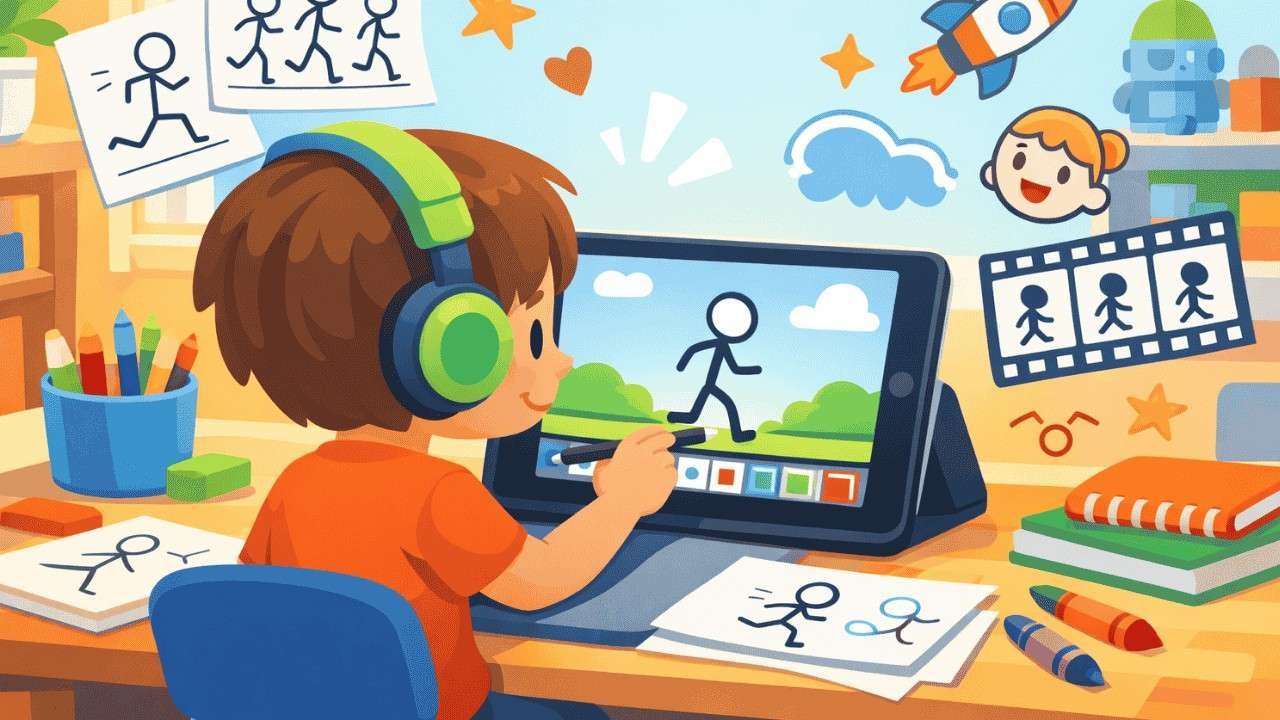
Does your child love cartoons and drawing? An iPad animation app for kids is the perfect tool to turn that creative spark into real animated stories. With the right app, your child can create their own cartoon characters, build scenes, and bring imagination to life — all on a single Apple device.
Kids learn best when they are having fun. Animation apps combine storytelling, art, and technology in a way that genuinely excites young learners. Whether your child is 6 or 14, there is an iPad animation app built just for their skill level.
In this guide, we explore the best iPad animation app for kids, compare features, explain safety, and walk through how your child can create their very first animation today.
What Is an iPad Animation App for Kids?
An iPad animation app for kids is a digital tool that allows children to create moving images, cartoons, and short videos directly on an Apple iPad. These apps simplify the animation process so that kids can focus on creativity rather than complicated technical steps.
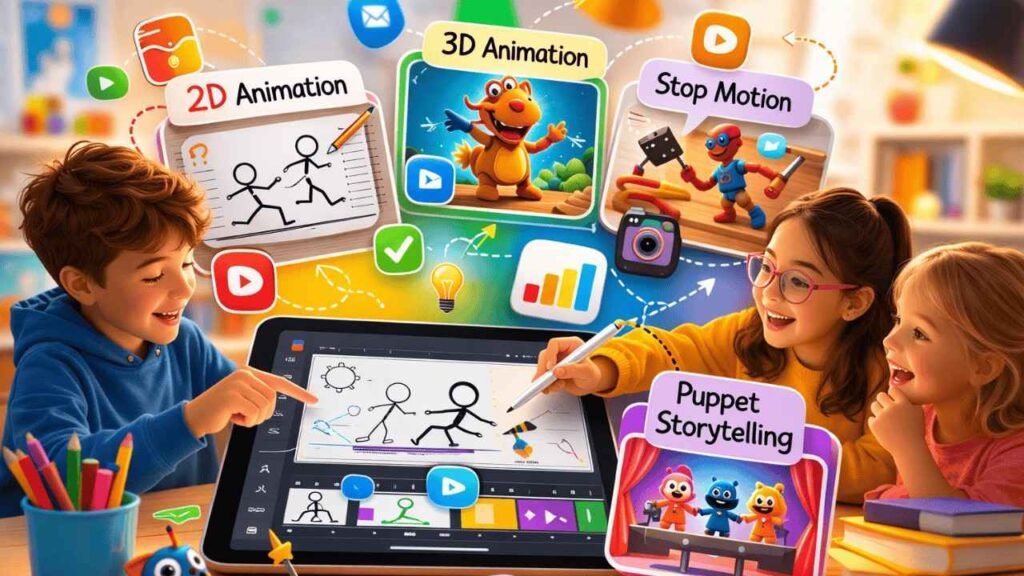
There are several types of animation kids can explore using these tools:
• 2D animation apps — drawing characters frame by frame
• Stop motion animation — capturing real objects in photos to create movement
• Digital storytelling apps — drag-and-play characters with voice recording
• Puppet animation — controlling characters on screen like a puppet show
Every type brings its own set of creative learning perks. Kids learn patience, improve their sequencing skills, and enhance their visual storytelling abilities. Plus, animation apps help build digital literacy, equipping children for a future where creative tech skills are essential.
Quick Comparison: Best iPad Animation Apps for Kids
Check out this handy table to easily discover the perfect app for your child! You can filter by their age, preferred animation style, and whether you’re looking for a free or paid option.
| App | Age | Animation Type | Free/Paid | Skill Level |
| FlipaClip | 9+ | 2D Frame-by-Frame | Free/Paid | Beginner |
| Toontastic 3D | 6+ | 3D Storytelling | Free | Beginner |
| Stop Motion Studio | 8+ | Stop Motion | Free/Paid | Intermediate |
| Animation Desk | 10+ | Drawing Animation | Free/Paid | Intermediate |
| Puppet Pals HD | 6+ | Puppet Storytelling | Paid | Beginner |
All apps listed above are available through the Apple App Store and are widely used by kids and educators around the world.
7 Best iPad Animation Apps for Kids
Here’s a closer look at each app, highlighting what makes it unique and appealing for young animators.
FlipaClip – Best for Learning 2D Animation
FlipaClip is one of the most popular 2D animation apps available for iPad. This app features a fun frame-by-frame animation system that lets kids draw each frame just a bit differently, bringing their creations to life with smooth movement. Plus, it has an onion skin feature that displays a faint outline of the previous frame, making it easy for kids to trace and fine-tune their drawings with precision.
FlipaClip is beginner friendly and comes with drawing tools like pencils, brushes, and fill options. It is frequently used in schools as a kids creativity tool and supports creative learning at a young age. The free version offers solid features, with optional paid upgrades for more advanced tools. If you are looking for the best ipad animation app to teach real animation fundamentals, FlipaClip is a top choice.
Toontastic 3D – Best for Storytelling
Toontastic 3D, developed by Google, is a free digital storytelling app that guides kids through the animation process using structured story arcs. Children choose a beginning, middle, and end, then animate their characters by dragging and moving them across the screen.
Kids can easily record their own voices to bring dialogue and narration to life. This feature makes Toontastic 3D a fantastic cartoon creation app for kids aged 6 and up. With its drag-and-play system, there’s no need for drawing skills, which makes it one of the most user-friendly animation apps for beginners.
Stop Motion Studio – Best for LEGO Animation
Stop Motion Studio is the go-to app for kids who love LEGO, toys, and physical objects. Using stop motion animation, kids place objects on a surface, take a photo, move the objects slightly, and repeat the process. When the frames are played together, the objects appear to move on their own.
The app offers frame capture, editing, and audio features, making it a fantastic all-in-one tool for stop motion filmmaking. It’s especially great for kids who enjoy working with tangible materials rather than just digital drawing. Stop Motion Studio even has a free version, along with in-app purchases for those premium features!
Animation Desk – Best Drawing Animation App
Animation Desk is a powerful drawing animation app that supports frame-by-frame animation with a focus on digital sketching. It is designed for kids who enjoy drawing and want to take their artwork further by making it move.
The app offers a sleek and professional space for kids to dive into animation. They can bring their hand-drawn characters to life, set the scene with backgrounds, and carefully arrange their frames. Animation Desk is perfect for children aged 10 and up who have a bit of drawing experience. It’s truly one of the top free iPad animation apps for kids eager to learn the basics of animation software.
Puppet Pals HD – Best for Story Creation
Puppet Pals HD turns the iPad into a digital puppet theatre. Kids choose characters from a library, place them on a stage, and record their movements and voices in real time. The result is a short animated story that feels like a live puppet show.
This app is fantastic for sparking creativity in storytelling and voice acting! It really encourages kids to map out their stories, bring characters to life, and play around with imaginative narratives. Puppet Pals HD is a paid app, but it offers amazing value for young storytellers aged 6 and up.
Stick Nodes – Best for Stick Figure Animation
Stick Nodes is a simple and fun stickman animation app designed to help kids learn basic animation principles through easy stick figure creation. Kids can build characters using pre-made nodes (joints) and animate them by adjusting positions across frames.
It is a brilliant starting point for simple animation learning. The app removes complex drawing requirements and focuses entirely on movement and timing. Stick Nodes is free and works well for kids aged 9 and above who want to explore animation in a low-pressure, playful environment.
RoughAnimator – Best for Advanced Kids
RoughAnimator is a professional-grade layer animation app designed for older kids who want to develop serious animation skills. It supports multiple layers, frame-by-frame drawing, onion skinning, and detailed canvas control.
This app mirrors tools used by professional animators, making it an ideal bridge between beginner and professional animation. RoughAnimator is best for kids aged 12 and above with a strong interest in 2D animation apps. It is a paid app and worth every penny for young creators with big animation ideas.
Is FlipaClip Safe and Okay for Kids?
Yes, FlipaClip is generally safe for kids and is widely used in educational environments around the world. The app is built around creative animation and does not expose children to harmful content by default.
However, parents should be aware of a few important points:
• FlipaClip includes optional in-app purchases for premium brushes and features
• The app has a community gallery where users can share their work publicly
• Parental supervision is recommended for children under 10 when browsing community content
The recommended age for using FlipaClip is 9 and older. However, with some parental guidance, even younger kids can safely enjoy the app. Plus, if you turn off in-app purchases in your Apple device settings, it adds an extra layer of security.
How Kids Can Create Their First Animation on iPad
Getting started with animation on an iPad is easier than most parents expect. Follow these five simple steps to help your child create their very first animated video:
1. Choose an animation app — Select an app that matches your child’s age and skill level. Beginners should start with Toontastic 3D or FlipaClip for a smooth first experience with a kids cartoon maker iPad app.
2. Create characters — Design simple characters using the app’s drawing tools or select from pre-built character libraries. Keep it simple for the first project.
3. Draw multiple frames — Each frame represents one moment of movement. The more frames created, the smoother the animation will appear when played back.
4. Add voice and sound — Most apps allow kids to record their own voice for dialogue or add music. This step brings the animation to life.
5. Export the animation video — Once finished, export the animation as a video file. Kids can share it with family or save it to their iPad camera roll.
Want to explore more professional results? Check out Render Edge Studio for advanced animation production and visit our Apple Style Product Animation to understand what polished motion design looks like at a professional level.
Benefits of Animation Apps for Kids
Animation apps do so much more than just entertain kids. They play a vital role in supporting child development in several key areas:
• Creativity — Kids design characters, environments, and stories completely from imagination
• Storytelling — Building animated scenes teaches narrative structure and plot development
• Digital literacy — Using creative technology prepares children for a tech-driven future
• Patience and problem solving — Frame-by-frame animation teaches kids to work through challenges step by step
Research has consistently shown that using creative digital tools can really boost engagement and enhance learning outcomes. When kids dive into animation, they’re not just having fun — they’re actually thinking, planning, and creating something meaningful.
How to Choose the Best iPad Animation App for Kids
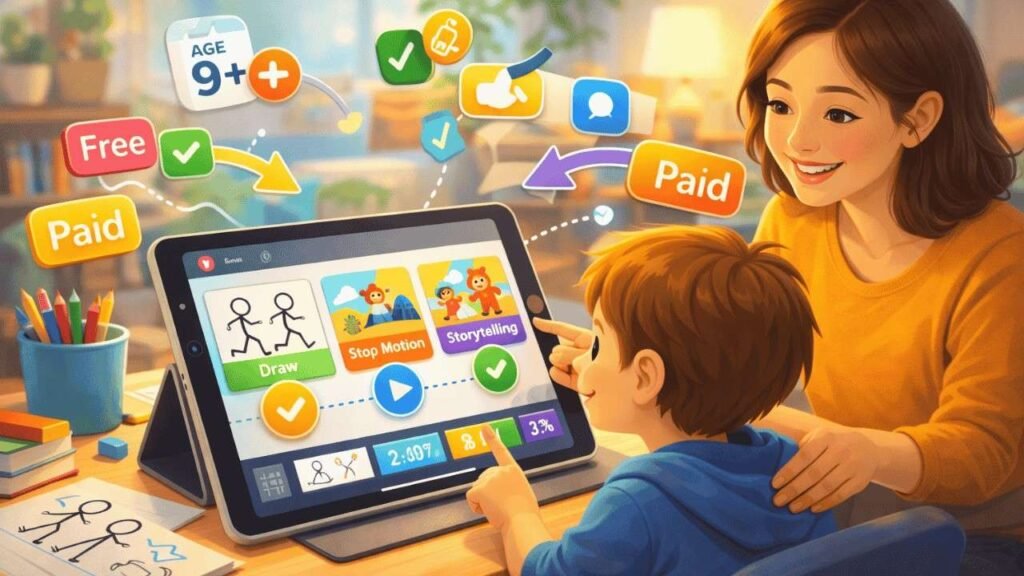
Selecting the right best ipad animation app depends on a few key factors. Consider the following before downloading:
• Age suitability — Always check the recommended age range for the app
• Ease of use — Younger kids need simpler interfaces with fewer steps
• Animation style — Match the app to your child’s interests, whether drawing, stop motion, or storytelling
• Free vs paid — Many great apps offer solid free versions before requiring payment
If you are curious about What is Apple Style animation and how top-tier motion design works, exploring that topic alongside these apps will inspire both parents and kids alike.
FAQ: iPad Animation Apps for Kids
1. What is the best iPad animation app for kids?
The best iPad animation app for kids depends on their age and skill level. Apps like FlipaClip and Toontastic 3D are beginner-friendly, while tools like Animation Desk provide more advanced drawing features. Choose based on your child’s interests and experience.
2. Is FlipaClip okay for kids?
Yes, FlipaClip is generally safe for kids and widely used in schools. It allows children to create frame-by-frame animations with simple drawing tools. Parents should supervise younger children because the app includes optional in-app purchases and community sharing features.
3. What age can kids start animation?
Kids can start learning animation as early as 6 years old using simple apps like Toontastic 3D. These apps use drag-and-play storytelling that helps children understand motion, sequencing, and creative storytelling without needing advanced drawing skills.
4. Are animation apps educational?
Yes. Animation apps help children develop creativity, storytelling skills, and digital literacy. Creating animations requires planning, drawing, and problem-solving, which strengthens both artistic and cognitive abilities in young learners.
5. Can kids animate using only an iPad?
Yes. With the right apps, kids can create complete animated videos using just an iPad. Tools like Stop Motion Studio and Animation Desk allow kids to draw frames, capture images, add audio, and export animations without extra software or equipment.
6. Are there free animation apps for iPad kids?
Yes. Many popular apps such as FlipaClip and Toontastic 3D offer free versions that let kids create animations without paying for premium tools. Most free versions include enough features for beginners to get started comfortably.
Final Thoughts
The right iPad animation app for kids can unlock a world of creativity that goes far beyond screen time. From 2D frame animation to stop motion movies, each app on this list offers a unique and engaging way for children to express themselves digitally.
Whether your child is just diving into Toontastic 3D or delving into the more advanced features of RoughAnimator, there’s a fantastic tool out there just for them. Encourage them to explore various apps, play around with animation concepts, and let their imagination take the lead!
Start small, stay consistent, and watch your child grow into a confident young animator — one frame at a time.