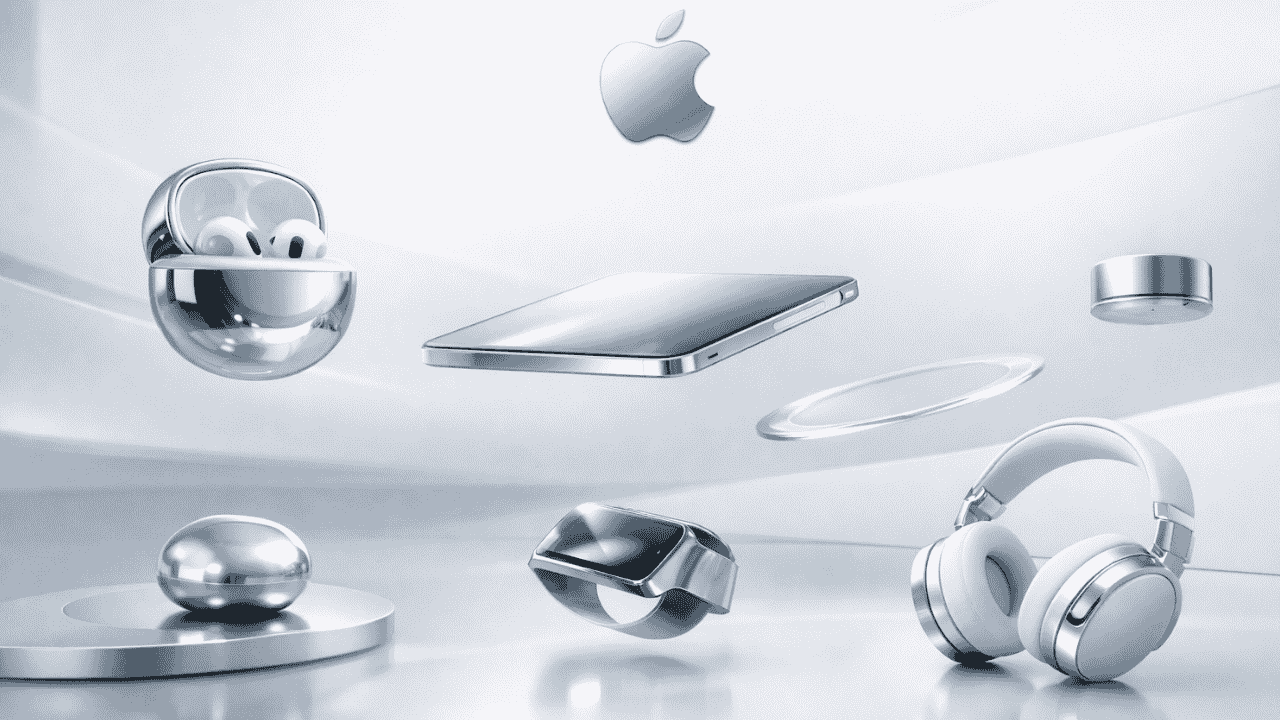
Have you ever watched an Apple product launch and felt mesmerized by those sleek, floating devices? That’s not magic—it’s Apple-style 3D animation at work.
Apple Inc. has changed the way brands display goods, utilizing a unique animation style which has established a new standard for indicators of high-valued brand status through the use of 3D animated products. So what makes Apple’s animation different than other companies?
Let me break it down for you.
Understanding Apple-Style 3D Animation Design
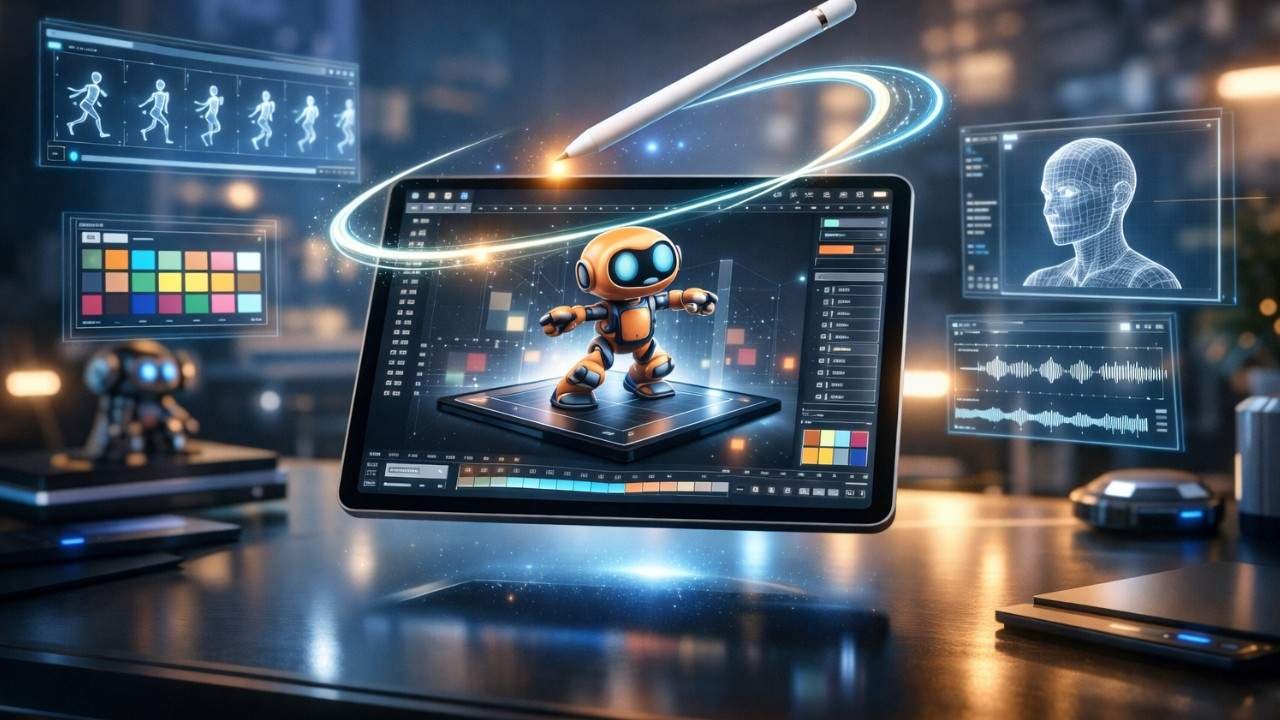
Apple-style 3D animation is a visual approach that combines minimalism, precision, and elegance. Think of it as the visual equivalent of their product design philosophy—clean, refined, and purposeful.
This animation style focuses on three core elements:
- Simplicity: No unnecessary flourishes or distractions
- Smooth motion: Fluid transitions that feel natural
- Premium aesthetics: High-quality rendering with perfect lighting
When you see an iPhone gracefully rotating in space with soft shadows and reflections, that’s what is apple style 3d animation in action.
Why Does Apple’s Animation Style Stand Out?
The Apple product launch video series has set the standard in which every technology company attempts to recreate. But simply trying to recreate the visual style will not suffice; you must also understand what they are trying to convey in those videos.
Their “secret” is in their ability to exhibit restraint. While many brands will use excessive effects (and rapid edits) on their products, Apple allows the product to “breathe.” That is, every individual frame has a defined purpose.
The best analogy is that of a cluttered room versus a Japanese tea room that is designed with minimalism. In both instances, you have a space; however, while a cluttered room creates distractions and chaos, a Japanese tea room creates peace and serenity.
Key Characteristics of Apple Product Animation Style
1. Clean Backgrounds and Negative Space
Apple’s use of clean, minimalist backgrounds allows them to focus attention entirely on the products themselves. The absence of background images or patterns leaves little chance for distraction.
The use of intentional negative space creates room for your eye to take a break throughout the entire product experience and reinforces a feeling of luxury associated with Apple products.
2. Controlled Lighting and Reflections
Lighting in Apple-style animations follows studio photography principles. You’ll notice:
- Soft, diffused key lights
- Subtle rim lighting for depth
- Realistic reflections on glossy surfaces
- No harsh shadows or extreme contrast
This creates that signature “floating in space” look that defines 3D Product Visualization in Apple’s world.
3. Smooth, Physics-Based Motion
Nothing moves too fast or too slow. Apple’s animators understand timing and easing curves perfectly.
The principles of motion design are based upon similar principles found in real-world physics. The way the iPad moves when rotated seems heavy and has a sense of movement; by contrast, there is a sound of ‘click’, when the Apple Watch band snaps into place.
Such detail adds realism to the experience of the animation, despite being a simulation.
How Apple-Style Animation Differs from Traditional 3D Animation
When examining traditional 3D animation, you often will find emphasis placed on entertainment value. Explosions, dramatic camera moves, exaggerated movement among other things.
When looking at Apple, though, their approach has a different emphasis. It is not about showing off; it is about being as clear as possible and getting a message across effectively.
Here’s a quick comparison:
| Aspect | Traditional 3D Animation | Apple-Style 3D Animation |
| Pace | Fast, dynamic | Slow, deliberate |
| Camera Work | Complex, sweeping shots | Simple, controlled movements |
| Background | Detailed environments | Minimal or solid colors |
| Purpose | Entertainment | Product showcase |
| Effects | Heavy post-processing | Subtle, realistic |
The Role of Minimal 3D Animation Aesthetics
The concept of “minimalism” doesn’t imply you find a way to do less work, rather you will do more with less “work.” If you want to take a look at Apple graphics and/or animations, all the elements of their animation have a purpose and earn their place.
This approach aligns perfectly with UI/UX Animation principles. Just as good interface design removes friction, good product animation removes visual clutter.
The result? Your brain processes the information faster. You understand the product better. And you remember it longer.
Creating Cinematic 3D Motion Graphics Like Apple
Want to achieve that Apple look? Here’s a step-by-step approach:
Step 1: Start with High-Quality 3D Models
Your 3D model should be geometrically perfect and have a good topography. Just like Apple, you should not use shortcuts on quality of assets.
Three important factors to pay attention to:
- 1. Proportions to scale
- 2. Smooth surfaces
- 3. Proper UV maps for textures
Step 2: Set Up Studio Lighting
Use a three-point lighting setup as your foundation:
- Key light: Main light source (soft and diffused)
- Fill light: Reduces harsh shadows (lower intensity)
- Rim light: Separates object from background
Add environment lighting for realistic reflections. HDRI maps work great for this.
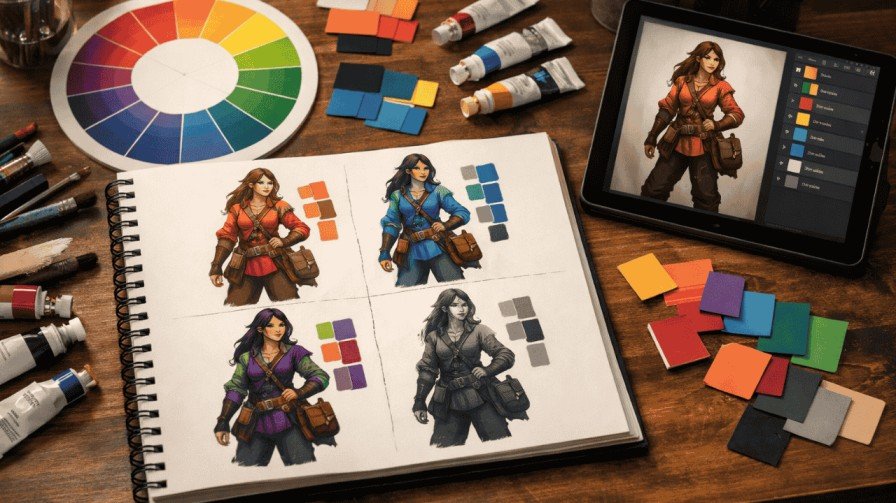
Step 3: Choose Your Color Palette Carefully
Apple typically uses:
- Pure whites and blacks
- Subtle grays
- Occasional pops of product color (like iPhone blue or pink)
Avoid oversaturation. Keep colors true to the actual product.
Step 4: Master Camera Movement
Less is more. Use simple camera moves:
- Slow orbits around the product
- Gentle push-ins to highlight features
- Smooth transitions between angles
Keep your camera movements intentional. Every move should reveal something new about the product.
Step 5: Perfect Your Timing and Easing
Use bezier curves for natural acceleration and deceleration. Nothing should start or stop abruptly.
A good rule of thumb: If the motion feels slightly slower than you think it should be, you’re probably in the right zone.
Software and Tools for Apple-Style 3D Product Animation
Professional studios use various tools to achieve this look:
3D Software:
- Cinema 4D (Apple’s preferred choice for many projects)
- Blender (free and powerful)
- Maya (industry standard)
Rendering Engines:
- Octane Render
- Redshift
- Arnold
Compositing:
- After Effects
- Nuke
The most expensive tools are not necessary when starting out. You can achieve fantastic results through the software Blender, as long as you learn and apply the basic principles.
Real-World Applications Beyond Product Launches
Apple-style animation isn’t just for tech companies. This aesthetic works beautifully for:
- Medical Device Demonstration
- Jewelry Showcases
- Automotive Feature Demonstration
- Building Architecture Visualized
- Luxury Consumer Goods
The premium presentation approach can be applied to any product that requires a premium and trustworthy presentation.
Common Mistakes to Avoid
Over-Complicating the Animation
Don’t add effects just because you can. If a camera move doesn’t serve the product, cut it.
Ignoring Real-World Physics
Even in stylized animation, basic physics matters. Objects should have weight and momentum.
Poor Lighting Setup
Harsh shadows and blown-out highlights destroy the premium feel. Take time to fine-tune your lights.
Rushing the Render
Apple-quality visuals require high render settings. Don’t compromise on quality to save time.
Frequently Asked Questions
1. What software does Apple use for their product animations?
Apple utilizes Cinema 4D along with the high-end rendering engines Octane and Redshift, but knowing the fundamentals of motion design and lighting is more critical than just the software being used.
2. Can I create Apple-style animations on a budget?
The use of Blender is 100% free and it can produce professional results in the same way as high-dollar programs do. It’s really about learning the aesthetic basics—how to use effective composition, light, and motion rather than purchasing the most expensive programs and hardware.
3. How long does it take to create an Apple-style product animation?
A simple 10-15 second product rotation might take 2-3 days including modeling, animation, and rendering. Complex sequences from Apple Product Launch Videos can take weeks with entire teams working together.
4. What makes Apple’s animation style look so premium?
The premium feel comes from restraint and attention to detail. Perfect lighting, accurate materials, smooth motion, and clean composition all work together. It’s about what you don’t show as much as what you do.
5. Do I need expensive equipment to render these animations?
While powerful hardware helps with render times, you can create quality work on mid-range computers. Cloud rendering services like Render Street or Sheep It offer affordable alternatives for final high-quality renders.
Key Takeaways
Understanding what is apple style 3d animation comes down to mastering minimalism, precision, and purposeful motion. This isn’t just a visual trend—it’s a communication philosophy.
The Apple product animation style teaches us that less really can be more. By removing distractions and focusing on clarity, you create animations that inform, engage, and convert.
When shooting any type of product, from a smartphone to a surgical tool, the basics remain the same; begin with a quality model, light the subject as a professional studio would, carefully position the camera, and always focus on the product.
The beauty of minimal 3D animation aesthetics is that it never goes out of style. While flashy trends come and go, clean, elegant presentation remains timeless.
If you’re looking to make some amazing cinematic 3D motion graphics, you should do so step by step! Work on mastering the basics, and make sure each component has a purpose in your shot. This is the standard practice of Apple that works!