(A no-BS guide I wish someone had handed me when I started)
Hey, imagine you’re sitting with me at a coffee shop and you just asked:
“So… how does a building that only exists on paper turn into one of those jaw-dropping fly-through videos?”
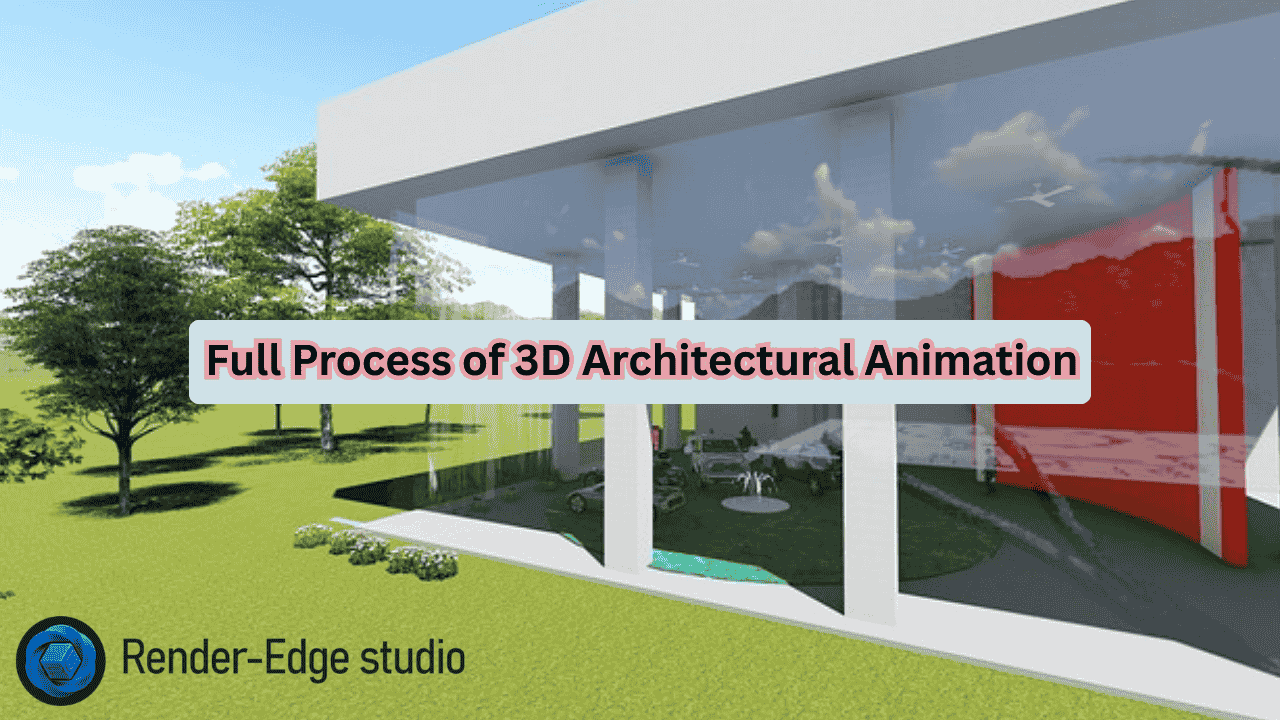
Grab your coffee. I’m going to walk you through the exact process of 3D architectural animation — the way top studios actually do it today (not the 2018 version you still see everywhere).
Why Most People Get Confused About the Process
Most articles list 3–5 vague steps and call it a day.
In reality, the process of 3D architectural animation has 8 clear phases in 2026, and skipping even one kills the final result. I’ve seen million-dollar projects almost die because someone rushed step 2. Let’s fix that right now.
Phase 1: The Brief & Mood (The Make-or-Break Conversation)
Everything starts with a deep chat — not a 5-minute call.
We ask questions like:
- Who is watching this? Investors, city council, home buyers, or Instagram scrollers?
- What emotion do you want them to feel in the first 10 seconds?
- Day or golden-hour sunset? Rainy mood or bright Mediterranean light?
Real-life example: Last year we did an urban planning architectural visualization for a new district in Dubai. The developer said “luxury.” One mood board later we realized he actually wanted “future-forward calm,” not bling. That single conversation saved 3 revision rounds.
Pro tip: Send references early — Pinterest boards, movie scenes, even a photo you took on vacation. The clearer the vibe, the less money and time you burn later.
Phase 2: Data Cleanup & Modeling (Where 60% of the Time Actually Goes)
You hand over CAD files, BIM models, sketches, material lists.
We clean them (99% of architect files have errors — overlapping walls, missing layers, etc.).
Then we model:
- The building (Autodesk 3ds Max or Blender for precision)
- Surroundings (trees, cars, people — sometimes bought, sometimes custom)
- Tiny details clients love pointing out later (“Where’s my favorite bench?”)
This is also where AI architectural animation starts helping. Tools like Luma or Adobe Firefly can now generate perfect PBR textures in seconds instead of hours.
Phase 3: Camera Path & Storyboarding (The Secret Sauce)
Static images are easy. Movement is hard.
We draw a simple 2D storyboard first — think comic strip — then block the camera in 3D.
Typical shots in a 3D walkthrough:
- Slow exterior reveal
- Drone-style pull-back
- Walking through the lobby
- Sunset balcony moment
I once story-boarded a 90-second video on a napkin in a client meeting. That napkin is now framed in their office because the animation made them cry (the good kind).
Phase 4: Lighting — Where Magic Happens
Lighting turns “nice model” into “holy crap, is this real?”
We use:
- V-Ray Rendering Engine (still king for photorealism)
- Unreal Engine 5 + Lumen (real-time and getting insanely close)
- Lumion when the client needs it tomorrow
Golden rule: Light like the sun actually behaves. No fake “three-point lighting” nonsense unless it’s an interior night scene.
Phase 5: Materials & Texturing (2026 Edition)
Gone are the days of hand-painting every brick.
Today the workflow looks like this:
- Scan real materials (or grab from Quixel Megascans)
- Run through AI up-scaling tools for 8K seamless textures
- Tweak reflection, bump, and imperfection levels
Result? A marble floor that actually feels cold when you watch the video.
Phase 6: Animation & Life
Nothing feels emptier than a perfect building with zero movement.
We add:
- Gentle tree wind
- Cars driving past
- People having coffee on the terrace
- Water ripples in the pool
- Curtains reacting to breeze
Little tip: 8–12 people in a scene feels alive. 50 feels like a protest.
Phase 7: Rendering — The Waiting Game (Now Much Faster)
A single 4K frame used to take 30–90 minutes in 2020.
In late 2026:
- High-end GPU farms finish a 90-second 4K animation in 8–14 hours
- Unreal Engine can render playable real-time versions in minutes
- Cloud pricing dropped so hard that even mid-size studios outsource architectural animation to farms without blinking
Phase 8: Post-Production & Sound (The Emotional Knockout)
This is where good becomes unforgettable.
We color-grade, add lens flares, atmospheric haze, then the sound:
- Subtle birds at dawn
- Distant city hum
- Light jazz in the lobby
- That perfect “whoosh” when the camera flies over the roof
Fun fact: Adding sound can increase perceived quality by 40%. I’ve A/B tested it.
Quick Comparison: Old Workflow vs 2026 Reality
| Step | 2018–2022 Way | 2026 Way (Faster & Better) |
| Texturing | Manual UVs + Photoshop | AI-generated 8K PBR in minutes |
| Lighting | Baked lightmaps | Real-time global illumination (Lumen) |
| Rendering time (90s) | 3–10 days | 8–14 hours (or real-time) |
| Revisions | Painful re-renders | Live camera adjustments in Unreal |
| Final delivery | MP4 only | MP4 + interactive WebGL/VR version |
How Long Does It Really Take in 2026?
| Project Type | Typical Duration | Price Range (USD) |
| 60–90 sec exterior fly-through | 10–18 days | $6,000 – $15,000 |
| Full 3D walkthrough (interior + exterior) | 3–5 weeks | $18,000 – $40,000 |
| Real-time Unreal Engine version | 2–3 weeks | $12,000 – $25,000 |
(Rush jobs exist — just double the price and pray.)
FAQs — Everything You’re Still Wondering
1. Can you make changes after I see the first draft?
Yes — 2–3 free revision rounds are standard now. More than that usually costs extra.
2. Is Blender good enough or do I need 3ds Max?
Blender is professional-grade in 2026. Many top studios switched and never looked back.
3. What’s the biggest architectural animation mistake I can make?
Poor briefing. Garbage in, garbage out — every time. Here is the detailed guide on architectural animation mistakes.
4. Should I outsource architectural animation or hire in-house?
Unless you plan 10+ animations per year, outsourcing is cheaper and higher quality.
5. Are AI tools replacing artists?
No. AI architectural animation tools speed up repetitive tasks. Creativity, taste, and storytelling are still 100% human.
Final Thought
The process of 3D architectural animation hasn’t gotten shorter — it’s gotten smarter.
The tools changed, the speed exploded, but the goal is the same: make someone feel the space before a single brick is laid.
If you’re about to start a project, do one thing right now — book a proper briefing call. Everything else flows from there.
Need this kind of animation done without the usual headaches? Drop me a message. I know people who still answer emails on weekends.
You can also check out