Hey, imagine you’re launching a new gadget. You want to show it spinning, exploding into parts, and reassembling like magic. That’s where 3D product animation comes in. It makes your product pop on screen.
But here’s the big question: How long does it take to create a 3D product animation? The answer isn’t one-size-fits-all. It depends on details like complexity and team size.
From my experience working with animation studios, simple projects wrap up in a few weeks. Complex ones stretch to months. Let’s break it down so you get a clear picture.
This guide covers the 3D product animation timeline step by step. You’ll see factors, processes, and tips. By the end, you’ll know what to expect for your project.
What Exactly Is 3D Product Animation?
Think of 3D product animation as a virtual showcase. It uses computer graphics to bring products to life. Unlike flat images, it shows movement, textures, and interactions.
Tools like Blender or Autodesk Maya help create these. Blender is free and powerful for beginners. Autodesk Maya shines in pro studios for detailed work.
Product visualization is key here. It helps brands in e-commerce, ads, or demos. For example, a furniture company might animate a chair unfolding. This boosts sales by letting customers “see” it in action.
But why care about time? Knowing the animation project duration helps you plan budgets and launches. No surprises.
Key Factors That Influence the 3D Product Animation Timeline
Ever baked a cake? Simple ones take an hour. Fancy ones need days. Same with animation.
Several things speed up or slow down the process. Let’s list them out.
- Complexity of the Product: More parts mean more time. A basic phone case? Quick. A car engine with moving pistons? Longer.
- Video Length: Short clips (15-30 seconds) finish faster than 2-minute explainers.
- Style and Realism: Cartoonish styles are quicker. Photorealistic needs extra rendering time for lights and shadows.
- Team and Tools: A solo artist using Blender might take longer. An animation studio with a team cuts time.
- Revisions: Feedback loops add days. Plan for 2-3 rounds.
- Rendering Time: This is the computer’s heavy lifting. High-res renders can run overnight or days on powerful setups.
From searches, pros say a 30-second clip takes 4-10 weeks on average. That’s for high-quality work.
How Long Does It Take to Create a 3D Product Animation by Complexity?
Curious about specifics? Let’s sort projects into levels. This helps match your needs.
Use this table for a quick overview.
| Complexity Level | Description | Typical Timeline | Examples |
| Basic | Simple spins, basic lighting, no interactions | 2-4 weeks | E-commerce product rotations, like a watch turning 360 degrees |
| Medium | Internal parts shown, moderate movements | 4-8 weeks | Tech gadgets disassembling, such as a blender’s blades spinning |
| Advanced | Cinematic effects, particles, storytelling | 8-12 weeks | Ad campaigns for cars with dynamic zooms and explosions |
| Expert | Full narratives, voiceovers, ultra-realism | 12+ weeks (up to months) | Movie-like product launches, like furniture in virtual rooms |
These ranges come from studio insights. For instance, a 60-second animation often hits 8-10 weeks.
Remember, these are estimates. Your 3D product animation timeline might shift based on factors above.
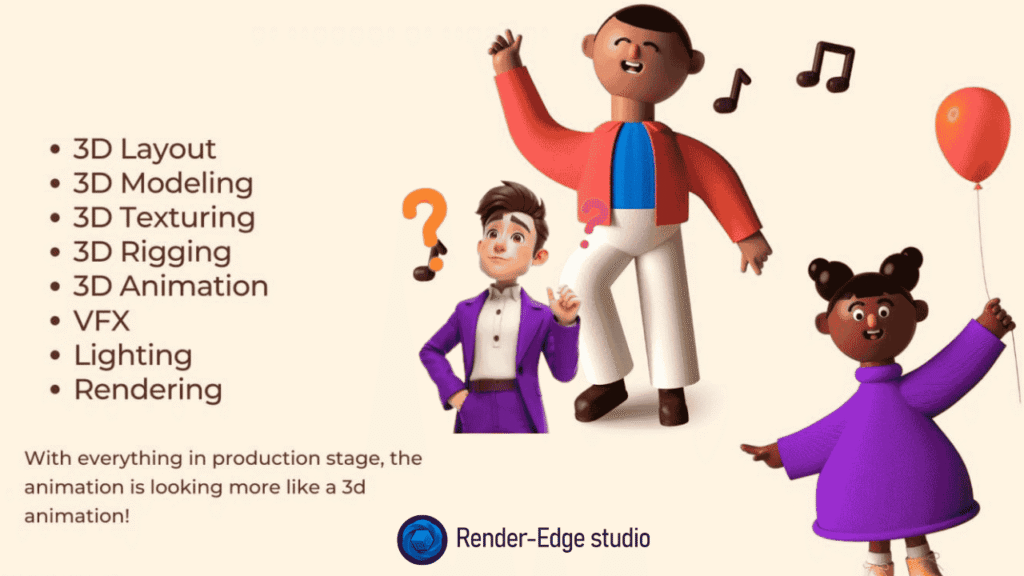
The 3D Animation Production Process: Step by Step
Want to know why it takes time? Let’s walk through the steps in 3D animation creation. It’s like building a house – foundation first.
This process ensures quality. Skip one, and things crumble.
Step 1: Pre-Production (1-3 Weeks)
You start here. Brainstorm ideas. What story does your product tell?
- Write a script or outline.
- Sketch storyboards – rough drawings of scenes.
- Choose styles, like realistic or stylized.
Tip: Share references early. It speeds things up.
Step 2: Modeling and Texturing (1-4 Weeks)
Time required for 3D modeling varies. Build the product in software.
- Model shapes using tools like Autodesk Maya.
- Add textures – colors, bumps, shines.
For a chair, model the frame. Then texture the fabric to look soft.
Step 3: Rigging and Animation (2-5 Weeks)
Make it move. Rigging sets up “bones” for parts.
- Animate keyframes – start and end positions.
- Smooth motions for realism.
Imagine animating a lamp bending. Rig the arm, then keyframe the twist.
Step 4: Lighting, Rendering, and Post-Production (1-4 Weeks)
Light the scene. Render frames – this eats rendering time.
- Add effects like shadows or glows.
- Composite in software.
- Edit with sound or voiceover.
Cloud rendering helps here. It cuts wait times.
Overall, this 3D animation production process flows logically. Each step builds on the last.
Real-Life Examples: From Concept to Screen
Let’s make this real. I’ve seen projects firsthand.
Take a tech startup. They wanted a 30-second animation for a drone. Basic fly-around with highlights.
Using Blender, the animation studio finished in 3 weeks. Modeling took a week, animation another, rendering the last.
Now, a bigger one. A furniture brand needed product animation services for a sofa. It showed fabric options and reclining.
This medium project hit 6 weeks. Why? Extra textures for realism. But the furniture product animation benefits were huge – sales jumped 20% after launch.
Another? A car ad. Cinematic with explosions. 10 weeks total. Revisions added a week, but wow, the results.
These show how long it takes to create a 3D product animation in practice. Experience matters.
Tips to Shorten Your Animation Project Duration
Tired of waiting? You can trim time without cutting quality.
- Prep Well: Provide CAD files or photos upfront. Saves modeling time.
- Choose Pros: Pick an animation studio over DIY. They have pipelines.
Speaking of, check “Choose a 3D Product Animation Service Provider” for tips. - Limit Revisions: Approve fast. Use tools like feedback apps.
- Go Cloud: For rendering time, use online services. Faster than local machines.
- Start Simple: Test with basic versions. Scale up.
Avoid “Problems with DIY 3D product animations” like steep learning curves. Pros handle it better.
Also, factor in “3d product animation cost“. Quicker projects might cost more in rushes.
Common Challenges and How to Overcome Them
What if things go wrong? Delays happen.
- Challenge: Slow rendering. Solution: Upgrade hardware or use farms.
- Challenge: Scope creep – adding features. Solution: Stick to the brief.
- Challenge: Communication gaps. Solution: Weekly check-ins.
From my chats with creators, planning beats these every time.
Key Takeaways for Your 3D Project
- How long does it take to create a 3D product animation? 2-12 weeks typically.
- Focus on prep to save time.
- Use tools like Blender for quick starts.
- Pros deliver faster and better.
These points make your journey smoother.
Frequently Asked Questions
How Long Does It Take to Create a 3D Product Animation for Beginners?
If you’re new, add extra weeks for learning. A simple one might take 4-6 weeks solo. Better to hire product animation services.
What Affects Rendering Time the Most?
Resolution and effects. High-res needs powerful GPUs. Plan for 1-3 days per scene.
Is There a Way to Rush a Project?
Yes, but expect higher “3d product animation cost”. Overtime or teams help.
Why Choose 3D Over 2D for Products?
3D shows depth. Great for product visualization. Think furniture – see it from all sides.
What Are Furniture Product Animation Benefits?
It lets buyers visualize in homes. Boosts engagement and reduces returns.
There you have it. How long does it take to create a 3D product animation? Now you know.
Ready to start? Reach out to an animation studio. Your product could shine sooner than you think.