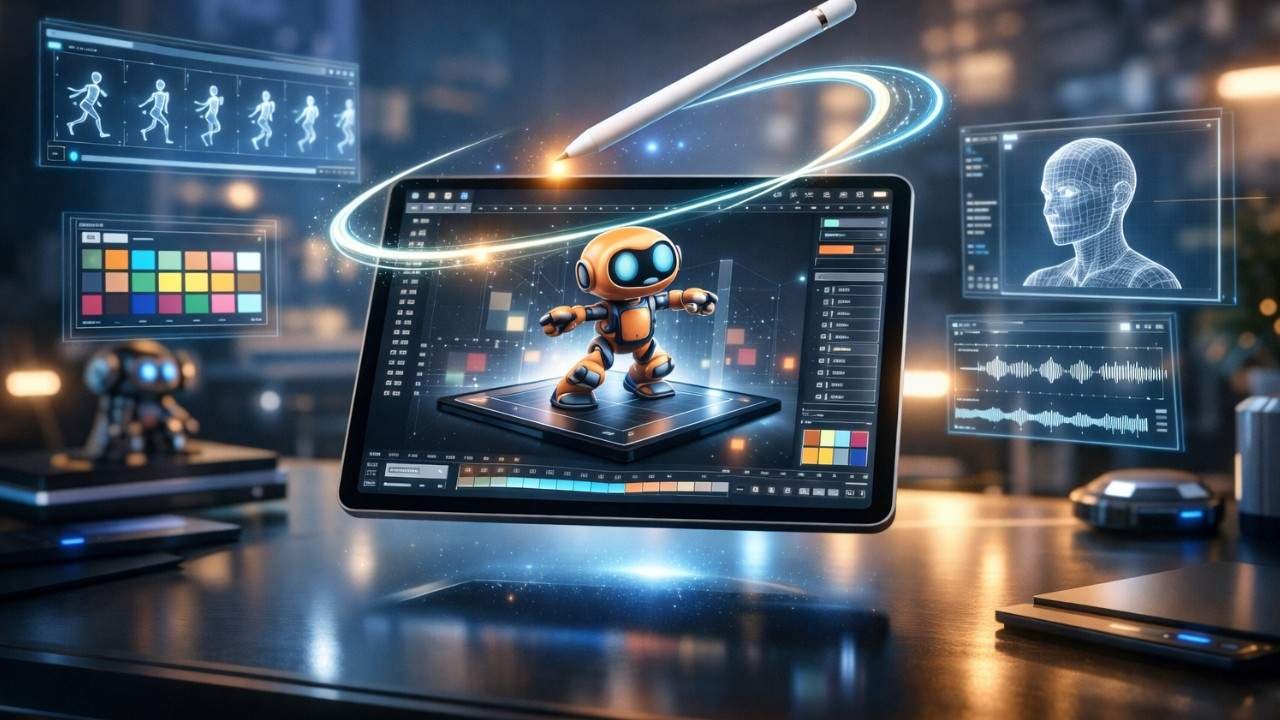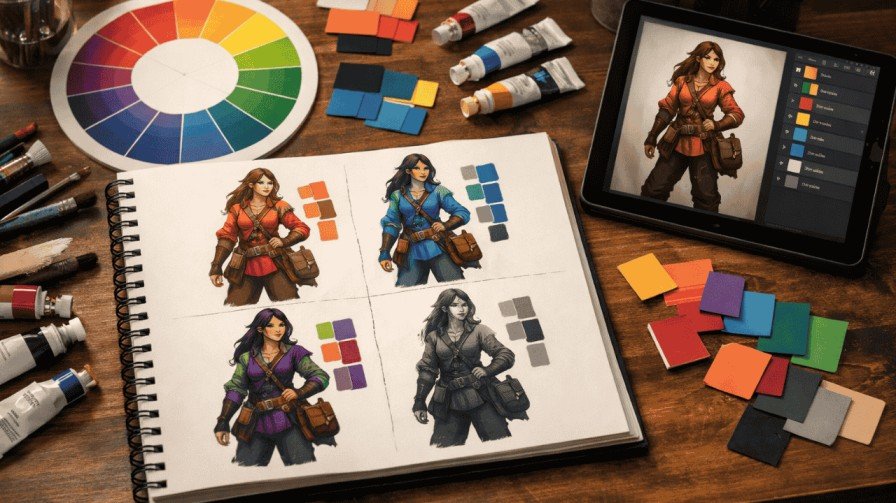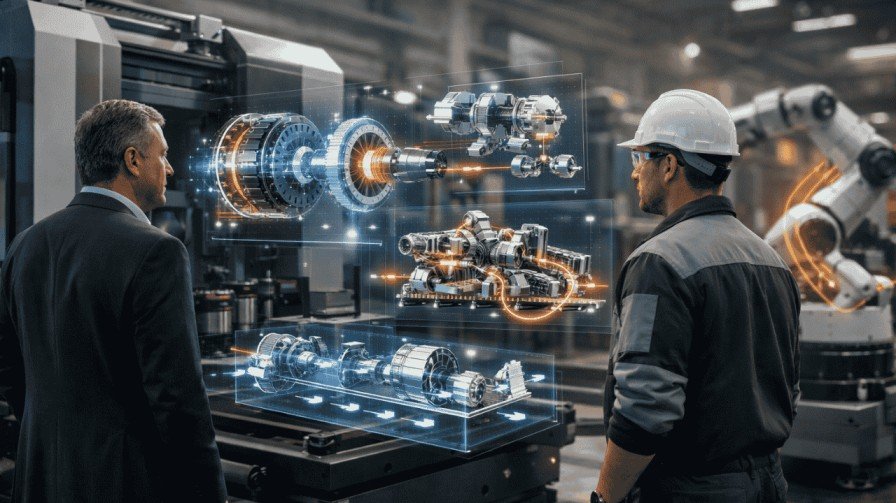
Have you ever imagined how you might show off a new piece of tech to a buddy? Well, when you tell them about it you wouldn’t just tell them what it is, you’d physically show them the item by spun it round, zoomed into all the little bits and pieces, etc. This is what 3D product animation can do for any product too, as it brings your flat images to life and turns them into something visually appealing and grabs people’s attention. If you’re a designer, marketer, or business owner, you need the right software for 3D product animation to make this happen.
In this guide, I’ll walk you through the top picks for 2026. We’ll cover why product animation matters, how it boosts sales, and which tools fit your needs. Think of me as your buddy explaining this over coffee. No tech jargon—just straightforward advice. By the end, you’ll know exactly what to choose. Let’s dive in.
What Is 3D Product Animation and Why Do You Need It?
Picture this: You’re shopping online for a watch. A static photo is okay, but what if you could rotate it 360 degrees or see the gears tick? That’s product animation in action. It uses 3D models to create moving visuals that show how products work, look, and feel.
Why bother? Simple. Product animation increases sales by up to 40% in e-commerce, according to recent studies. Customers get a better sense of the item, which builds trust and cuts returns. For industries like furniture or tech, it’s a game-changer.
To develop your animations you will need good software. For example, Software for 3D product animation has all the features required to produce great animations from start to finish, including modelling, rigging, rendering, etc. These tools use your initial sketches to produce a finished animated demo (e.g. video or interactive demo). Without this software, you would be limited to creating 2D images (static).
Key Benefits of Using 3D Product Animation Software
Let’s break it down. Why invest time in learning these tools?
- Boost Engagement: Animations keep viewers hooked longer than photos.
- Show Functionality: Demonstrate how parts move, like a folding chair or spinning wheel.
- Save Money: Virtual prototypes beat physical ones every time.
- Speed Up Marketing: Create assets for ads, websites, and social media fast.
Take IKEA, for example. They use 3D animations to let customers visualize furniture in their homes. Result? Happier buyers and fewer complaints. If you’re in product design, this software is your secret weapon.
Top Software for 3D Product Animation in 2026
It’s time to have some fun. I’ve done my research and tested several 3D design applications and their animation capabilities against some criteria, such as ease of use, usability, and user reviews. Each application is designed for a specific audience (from novice to advanced) specific to a purpose (product visualization). I will provide an overview of the advantages and disadvantages of each application and what situations to utilize each application.
1. Autodesk Maya: The Pro’s Choice for Complex Animations
Autodesk Maya tops the list for good reason. It’s an industry standard used by big studios for films and products. Think of it as a Swiss Army knife for 3D.
- Key Features: Advanced rigging, simulation, and rendering. Great for realistic movements like fluid pours or fabric folds.
- Pros: Powerful tools, integrates with other Autodesk software, huge community.
- Cons: Steep learning curve, pricey subscription.
Price starts at $1,785/year. Ideal for professionals in industrial product animation software needs. I once used Maya to animate a car engine for a client—it looked so real, they thought it was video footage!
2. Blender Foundation’s Blender: Free and Versatile for Everyone
Blender, from the Blender Foundation, is a powerhouse that’s completely free. It’s open-source, so a massive community keeps it updated.
- Key Features: Modeling, animation, rendering, and even video editing in one app.
- Pros: No cost, constant updates, supports add-ons for product rendering.
- Cons: Interface can feel overwhelming at first.
In 2026, Blender’s Cycles renderer delivers photorealistic results fast. Perfect for startups on a budget. A friend of mine animated a whole product line of kitchen gadgets using just Blender—and it went viral on social media.
3. Cinema 4D (Maxon): Intuitive for Motion Graphics and Design
Cinema 4D by Maxon shines in product design. It’s user-friendly, like drawing with a fancy pen instead of a chisel.
- Key Features: Fast rendering, MoGraph tools for dynamic effects, seamless Adobe integration.
- Pros: Beginner-friendly, great for motion graphics in ads.
- Cons: Less depth for ultra-complex simulations.
Subscription around $720/year. Suited for 3D animation tools for product design, especially if you pair it with After Effects. Real-life example: A jewelry brand used it to animate rings spinning in light—sales jumped 25%.
4. Unreal Engine (Epic Games): Real-Time Magic for Interactive Experiences
Unreal Engine from Epic Games isn’t just for games. It’s revolutionizing 3D product visualization software with real-time rendering.
- Key Features: High-fidelity visuals, VR/AR support, blueprint system for non-coders.
- Pros: Free for most uses, stunning realism, interactive demos.
- Cons: Heavy on hardware, more for experiences than simple animations.
In 2026, it’s free until you hit $1M in revenue. Great for e-commerce sites where users interact with products. Imagine animating a bike in VR—Epic’s tool made that possible for a cycling company I know.
5. Autodesk 3ds Max: Strong in Modeling and Architectural Ties
Autodesk 3ds Max excels in detailed modeling and rendering. It’s like Maya’s sibling, focused more on architecture and products.
- Key Features: Robust modifiers, Arnold renderer, scripting for automation.
- Pros: Excellent for large scenes, integrates with CAD files.
- Cons: Similar learning curve to Maya.
Costs $1,785/year. Use it for architectural animation software or furniture designing software. A real estate firm animated building interiors with 3ds Max, helping clients “walk through” before construction.
Other mentions: KeyShot for quick renders, Houdini for effects-heavy work. But these five cover most needs in product rendering and animation programs.
Comparison Table: Which Tool Fits Your Workflow?
Here’s a quick side-by-side to help you decide.
| Software | Best For | Price (2026) | Learning Curve | Key Strength |
| Autodesk Maya | Complex VFX | $1,785/year | High | Simulations |
| Blender | All-around, free | Free | Medium | Versatility |
| Cinema 4D (Maxon) | Motion graphics | $720/year | Low | Speed |
| Unreal Engine | Interactive/real-time | Free (royalty) | Medium | Immersion |
| Autodesk 3ds Max | Modeling/architecture | $1,785/year | High | Precision |
This table makes scanning easy. Pick based on your budget and skills.
How to Choose the Right Software for 3D Product Animation
Overwhelmed? Ask yourself these questions:
- What’s your budget? Start free with Blender.
- Beginner or pro? Go for Cinema 4D if new.
- Need real-time? Unreal Engine wins.
- Focus on realism? Maya or 3ds Max.
Consider product animation cost too. Software subscriptions add up, but they pay off in efficiency. For big projects, factor in hardware—good GPUs speed rendering.
Step-by-Step Guide: Getting Started with 3D Product Animation
Ready to try? Here’s a simple guide using Blender as an example—it’s free and powerful.
- Download and Install: Head to blender.org and grab the latest version.
- Import Your Model: Use a CAD file or build one from scratch.
- Rig the Parts: Add bones to movable sections, like hinges.
- Animate Keyframes: Set start and end positions; Blender fills the motion.
- Add Lighting and Textures: Make it look real with materials.
- Render and Export: Output as video or interactive file.
- Test and Tweak: View on different devices; adjust as needed.
This process took me hours for my first animation, but now it’s second nature. Practice on a simple object like a lamp.
When to Choose a 3D Product Animation Service Instead
Sometimes, DIY isn’t best. If time is short or skills lacking, choose a 3D product animation service. Agencies handle everything from modeling to final renders. Costs range from $500 for basic animations to $10,000+ for complex ones. It’s worth it for high-stakes launches. Product animation cost varies by detail—simple spins are cheap, full stories pricier.
FAQs About Software for 3D Product Animation
1. What’s the best free software for 3D product animation?
Blender stands out. It’s robust and community-supported.
2. How much does product animation cost with pro tools?
Subscriptions start at $0 (Blender) to $2,000/year. Add $1,000–$5,000 for hardware.
3. Can I use these for furniture designing software?
Yes! Tools like 3ds Max or Cinema 4D excel here.
4. Is Unreal Engine good for non-gaming product animation?
Absolutely. Its real-time features make interactive demos shine.
5. How does product animation increase sales?
It lets customers see products in action, building confidence and desire.
Key Takeaways to Remember
- Start with your needs: Budget, skill level, and project type guide your choice.
- Free options like Blender pack a punch for beginners.
- Pros swear by Autodesk Maya and Cinema 4D for quality.
- Always test renders—realism sells.
- If stuck, outsource to a service for pro results.
There you have it! Software for 3D product animation opens doors to creative marketing. Whether you’re animating gadgets or furniture, these tools make it fun and effective. Got questions? Drop a comment. Happy animating!
Related Reads: