Remember the last time you tried explaining a building design using just blueprints? The blank stares? The endless questions? Yeah, that’s exactly why 3D architectural animation has become a game-changer for property developers like you.
Think of it this way: blueprints are like reading sheet music, while 3D animation is like hearing the actual song. One requires expertise to understand. The other? Anyone can experience it instantly.
So what exactly is 3D architectural animation, and why should you care? Let’s break it down.
Understanding 3D Architectural Animation
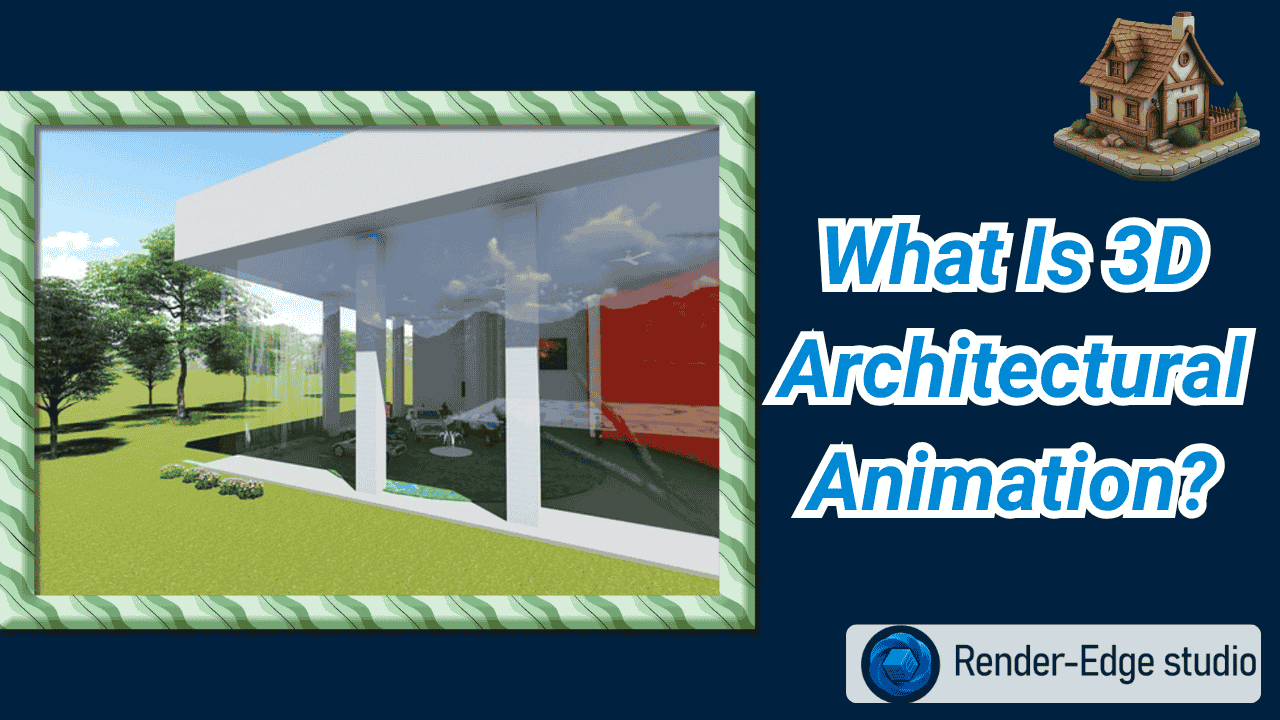
A short film showing your building design is what’s called a 3D architectural animation. It’s not a PowerPoint-style slideshow of images. It’s an exploratory film through spaces that don’t exist yet.
Animation showcases movement and time, unlike static images, allowing you to walk through a lobby, ride an elevator up to a penthouse, or watch the sun travel across the living room throughout the day. It takes architectural design from abstract form into a real-life experience.
What’s remarkable about it is that buyers can establish an emotional connection with your property before one brick is laid. That connection? It’s priceless when trying to establish pre-sales or obtain funding from investors.
How Does It Actually Work?
Creating these animations isn’t magic, but the process does involve some serious technical skill. Let me walk you through the journey from floor plan to final video.
Step 1: Gathering Your Vision
Everything starts with your architectural design documents. Your animation studio needs CAD files, floor plans, material specifications, and your vision for the project. Think of this as giving them the recipe before they cook the meal.
Step 2: Building the Digital Model
Using software like Autodesk 3ds Max, Revit, or Blender, artists create a detailed 3D model of your building. Every wall, window, and doorway gets built in digital space. It’s like constructing a virtual twin of your project.
Step 3: Adding Realistic Details
Bare models look like plastic toys. This step changes that. Artists apply textures—wood grain on floors, stone patterns on facades, reflective glass on windows. They add furniture, landscaping, even the surrounding neighborhood context.
Step 4: Lighting the Scene
Lighting makes or breaks realism. Natural sunlight gets simulated for different times of day. Interior lights create ambiance. Shadows fall naturally. This is where your space starts feeling real rather than rendered.
Step 5: Creating Movement
The camera comes alive. It glides through your entrance, climbs staircases, pans across cityscapes. Sometimes you’ll see animated people walking or cars driving by. These small touches add life and scale to your presentation.
Step 6: Rendering the Final Product
This is the heavy lifting phase. Each frame gets calculated with all its textures, lights, and shadows. A 60-second animation at 30 frames per second? That’s 1,800 individual images being generated. Many studios use render farms to speed this up.
Step 7: Final Polish
Editors add music, adjust colors, include text overlays with key features, and export your finished video. What started as technical drawings is now a marketing masterpiece.
Why Property Developers Are Investing in Animation
Let’s talk about the real question: animation benefits that impact your bottom line.
1. Faster Decision-Making
When buyers can virtually tour a property, decisions happen faster. No more “I need to visualize it better” delays. One developer told me they cut their average sales cycle by 40% after introducing architectural walkthrough animation to their process.
2. Reduced Costly Changes
Spotting design issues in animation costs hundreds. Fixing them during construction? Thousands or even hundreds of thousands. It’s like proofreading before printing 10,000 copies versus fixing typos after.
3. Superior Marketing Power
Social media loves video content. Your 3D architectural visualization gets shared, commented on, and remembered. Static images scroll past. Videos stop thumbs mid-scroll.
4. Investor Confidence
Nothing inspires investor confidence like seeing their money turned into a tangible vision. Animation removes abstract risk and replaces it with concrete opportunity.
Types of Architectural Animation You’ll Encounter
Not all animations serve the same purpose. Here are the main types you should know about:
1. Exterior Flythroughs
These illustrate your building’s exterior, landscaping, and how these elements relate to the overall aesthetic of your neighborhood. Perfect for initial marketing presentations, zoning presentations, and brochures, conceptual images aim to provide context to your project.
2. Interior Walkthroughs
Tours that feature the layout, finishes, and flow of a room, consistently room-by-room. Buyers like these to understand how the spaces flow and connect and what the space feels like.
3. Aerial Views
Aerial imagery capturing the entire development from above. Useful for larger accomplishment or showing proximity to amenities.
4. Time-Lapse Animations
Observe the sun as it travels across your building during the day. Shows natural light and helps potential buyers visualize themselves living in the unit.
Architectural Animation vs 3D Rendering: What’s the Difference?
People often confuse these terms, so let’s clear it up.
3D exterior & interior rendering gives you beautiful still images. Think of them as high-end photographs of a space that doesn’t exist yet. They’re perfect for brochures, websites, and print materials.
Animation takes those images and adds motion. Instead of one perfect angle, you get hundreds of angles flowing together. The difference? Renderings tell. Animations sell.
Use renderings when you need quick, cost-effective visuals. Choose animation when you need to create emotional impact and help buyers truly understand your space. To get a deep idea check out the guide on the difference between Architectural Animation vs 3D Rendering.
The Tools Behind the Magic
Professional studios rely on powerful software to create stunning results. Here’s what industry leaders use:
- Autodesk 3ds Max remains the gold standard for architectural visualization. Its precision and rendering capabilities make it ideal for complex projects.
- Lumion offers speed and ease of use. Perfect for quick turnarounds without sacrificing quality. Many architects love it for client presentations.
- SketchUp provides intuitive modeling that integrates seamlessly with other tools. Great for initial design phases that later become full animations.
- Revit excels at building information modeling. When your project data lives in Revit, animation studios can extract accurate dimensions and details directly.
- Blender has become a serious contender as a free, open-source option. Don’t let “free” fool you—professional studios create stunning work with it.
Understanding Architectural Animation Cost
Let’s address the elephant in the room: price.
Architectural animation cost varies widely based on several factors:
- Duration matters. A 60-second video costs less than a three-minute epic tour. Most marketing videos fall between 90-180 seconds.
- Complexity affects price. Simple building exteriors cost less than detailed interior sequences with custom furniture and animated people.
- Quality level impacts budget. Photorealistic animation requires more rendering time and expertise than stylized visualizations.
- Revision rounds add up. Most packages include two or three revision rounds. Beyond that, expect additional costs.
Expect to invest anywhere from $3,000 to $15,000 for professional work. Large developments with multiple buildings? Budgets can reach $30,000 or more. But remember—one additional pre-sale often covers the entire animation investment.
Final Thoughts
Once you have your animation, use it everywhere. Embed it on your website homepage. Share it across social media. Include it in investor pitch decks. Send it to real estate agents. Play it at sales centers.
One developer I know saw their website conversion rate jump from 2% to 7% after adding a quality walkthrough animation. Another secured $12 million in pre-construction sales directly attributed to their marketing video.
The usage of 3D animation in architecture has moved from luxury to necessity. In today’s competitive real estate market, buyers expect to see properties virtually before committing. Meeting that expectation isn’t optional anymore.
Your Next Steps Should Be
Are you excited to have your building design animation set in motion? Grab your architectural design files, floor plans, and specifications for materials. Identify your audience and what you want them to feel.
After that, turn to an animation studio that has reputable style portfolio in your genre. Look at a few of their past works you both think would be relevant/appealing. On your meeting, ask them about their process, timelines, and plan on what they will need from you based on your project and vision.
Key point: great animation shouldn’t just show the building, but sell the vision, get you funded, and prove to be compelling enough to turn skeptics into buyers. In property development, that’s less good marketing, and more good business.
Related Reads
What Is Apple Style Animation?
Frequently Asked Questions
1. How long does creating an animation take?
Most projects take 3-6 weeks from initial briefing to final delivery. Rush jobs are possible but cost more. Complex animations for large developments might need 8-12 weeks.
2. Can animations be updated if designs change?
Yes, though the extent depends on the changes. Minor adjustments cost less than major redesigns. This is why finalizing your architectural design before animation begins saves money.
3. Do I own the animation after it’s created?
Typically yes, but verify usage rights in your contract. Most studios grant you full commercial usage rights upon final payment.
4. What file format will I receive?
Standard formats include MP4 for general use and MOV for higher quality. Studios can also provide optimized versions for social media platforms.
5. How does animation help with planning approvals?
Planning committees respond well to visual presentations. Animation helps them understand your project’s impact on the surrounding area better than technical drawings alone.